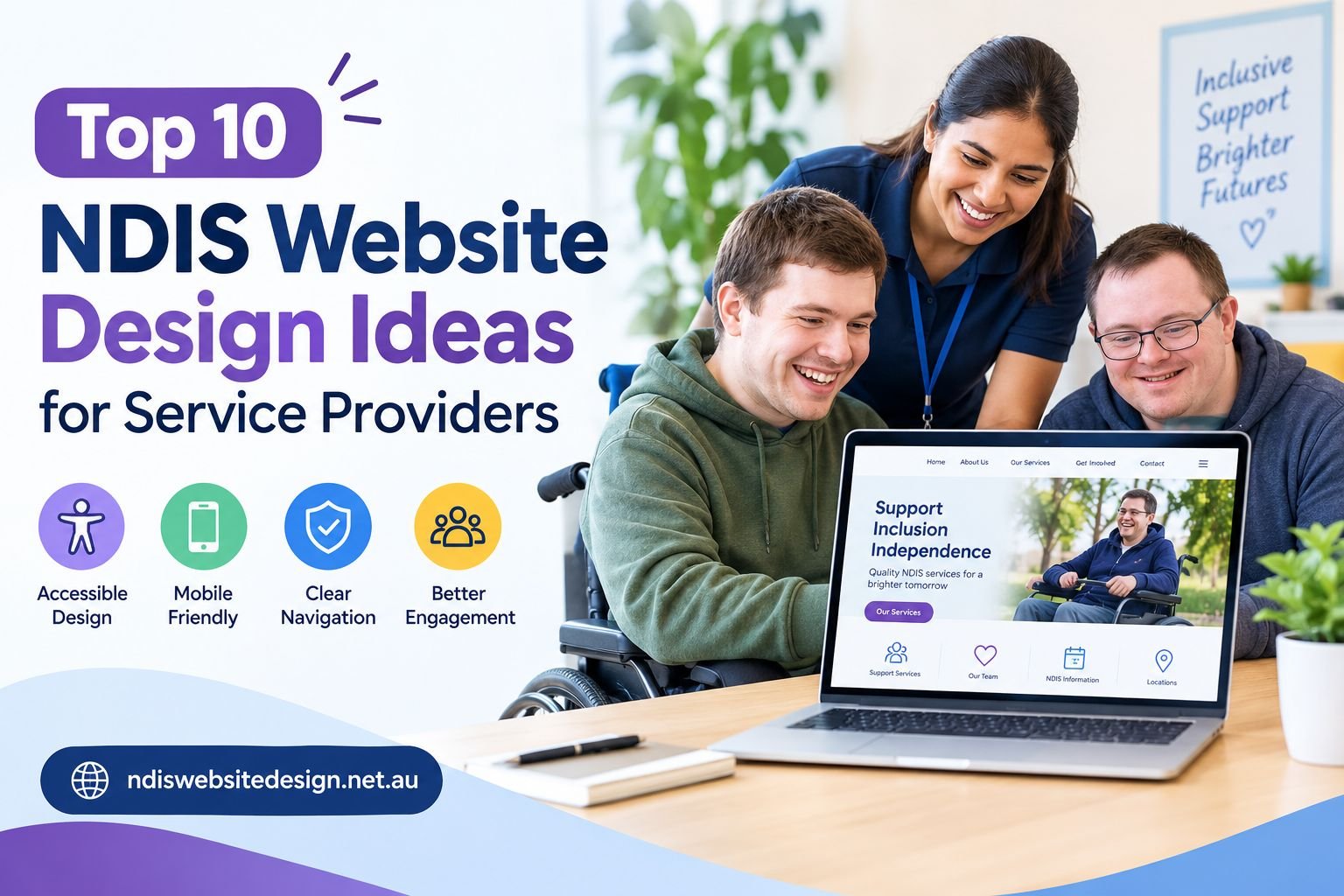
Families, carers and support coordinators check your website before they call you. They look for your services, your service area and a simple way to ask for help. Good NDIS website design gives them those answers on the first page they open.
This blog shares ten ideas for your site. They come from patterns found on the best disability provider websites in Australia. Use them whether you run a small team or a large service.
What Visitors Want From Your Site
Most visitors arrive with the same questions-
- What services do you offer
- Which areas do you cover
- Are you a registered NDIS provider
- How do I make a referral
- What happens after I get in touch
Your web pages will attract more visitors who want to know more when you provide clear answers to their questions. Many of those visitors are searching for services during stressful moments, while support coordinators are evaluating different providers before recommending one. The Smart NDIS provider website design supports both user groups by including all the elements that each group requires.
10 NDIS Website Design Ideas
1. Give Each Service Its Own Page
Do not squeeze every service onto one page. Build a separate page for each one, such as-
- Supported Independent Living (SIL)
- Short-Term Accommodation (STA)
- Community Participation
- Support Coordination
- Allied Health
Visitors find what they need in one click and Google can match each page to the right searches.
2. Put Accessibility First
Plan for access from the first day of your build. The NDIA works towards WCAG 2.2 level AA on its own website and you can use the same goal. Make it the base of your NDIS website design. Check these items on every page-
- Strong contrast between text and background
- Large, readable fonts
- Alt text on every image
- Menus and forms that work with a keyboard
3. Write in Plain English
Terms like SIL, SDA, Core Supports and Capacity Building confuse new families. Explain each one in a sentence or two. Keep sentences short and choose everyday words. Plain English opens your site to more people and cuts the number of calls that start with “What does that mean?”
4. Show Real People
Use photos of your own team in place of stock images. Add short testimonials from participants and families who agree to share their words. People who check your website will find Google reviews next to your enquiry button because they need to verify the information.
5. Add a Referral Page
The referral process for support coordinators requires a dedicated page that exists separately for their needs. The main menu based “Make a Referral” link needs to be added. Keep the form short and list a phone number and email beside it. The time constraints coordinators face require them to use a basic form that meets their needs.
6. Explain How It Works
New visitors often worry about what comes next. Add a short “How It Works” section with three steps-
- Step 1- Get in touch with our team
- Step 2- Talk about your goals and needs
- Step 3- Confirm your support and start
A clear process lowers worry and nudges people to make contact.
7. Answer Questions in an FAQ
People often have questions before they make contact. An FAQ section gives them quick answers and can remove some of that uncertainty.
You could answer questions such as-
What NDIS services do you provide?
Give a short answer and link to your service pages
Which areas do you cover?
List the main suburbs, towns or regions you serve
How can I get started?
Explain the first step in simple language
Can I speak with your team before choosing a service?
Tell visitors how they can ask questions or discuss their needs
Keep each answer short. If a topic needs more detail, link to another page. An FAQ can also help your website feel more open. Visitors know they can find answers without making a phone call for every small question.
8. Show Your Trust Details
Families want proof before they reach out. Display these details where visitors can see them-
- NDIS registration details
- Google reviews
- Client testimonials
- Team photos
- Years of experience
- Service locations
9. Build Local Pages
If your business serves specific suburban areas or geographical regions then you need to create dedicated web pages for each location. Use the suburb names in your text. Maintain an active Google Business Profile while you should display your business name along with its physical address and contact number identically on both your website and throughout all digital business listing platforms.
10. Design for Phones
Many people visit websites using their phones. Make your buttons large enough to tap and make your text easy to read without zooming in. Keep your menu short and your contact details in view on every page of your website. A phone-friendly layout ensures that your NDIS website design works for every visitor.
Choosing Who Builds Your Site
Once you know what your website needs, it is time to choose the right team and budget.
Go Custom
A template website may cost less, but a custom NDIS website design can better match your brand and services. You can add referral forms, Easy Read pages and separate service pages as your business grows.
Set a Fair Budget
Cheap NDIS website design can work for a new provider with simple needs. Just check that the site is accessible, fast and easy to update. A low cost site that misses these basics may cost more to fix later.
Choose the Right Team
Seek out an Australian NDIS website design agency that demonstrates experience working with disability organizations. Review their previous projects while you should also determine who will take care of your website after launch and what their ongoing support services will be.
If you serve Melbourne, choose a team that understands local areas and search needs. Good website design for NDIS business owners starts with knowing your services, audience and service areas.
Pre-Launch Checklist
Check each item before you go live-
- A clear headline that states what you do and who you help
- A page for every major service
- An About page with real team photos
- A visible phone number and enquiry form
- A referral page for support coordinators
- Testimonials, reviews and an FAQ page
- Fast pages that work on phones
- Good colour contrast and readable type
- Local pages and an updated Google Business Profile
- HTTPS security and a clear privacy policy
Final Words
You do not need to fix everything at once. Start your work by choosing two concepts from the list which you should begin to address. A clear homepage and a simple referral page can bring you more enquiries.
A great site builds trust, answers questions and makes the next step easy. At NDIS Website Design, we build sites that help providers win new participants and grow with confidence. Our team knows the NDIS, and we speak in plain words from the first call to launch day.
Ready to build a site your participants will trust? Call us for a free chat and get a plan for your business.
FAQs
What pages should an NDIS website have?
Begin the website with a homepage which should also include service-specific pages and an About section, a referral area, an FAQ section and a contact page. A blog or resource page needs to be added for sharing news and guide materials. The website provides visitors with simple tasks to complete on each page because they can either learn about services or contact us for more details.
How much does an NDIS website cost?
The total cost depends on how many pages you want, which features you want to include, the level of accessibility testing needed and the amount of content you provide. A small website requires less money than a big website that contains referral forms and pages dedicated to different suburbs. I want at least two to three builders to provide their quotes through writing so I can evaluate what each builder offers in their quotes.
Why does accessibility matter on an NDIS website?
The website receives visitors who consist of disabled people together with their caretakers and their complete family network. An accessible site lets all of them read your pages, use your forms and contact your team. The website becomes accessible to all users through its combination of strong visual elements and readable typography, descriptive image tags and navigable keyboard controls.
Should every service have its own page?
Yes. A page for each service explains who the service helps and how to start. It also gives Google a clear page to show for searches like “Supported Independent Living provider” or “Community Participation services”. One page per service keeps your content short and easy to scan.
Can a good website bring in more referrals?
Yes. A website that shows straightforward referral forms together with actual customer feedback and obvious registration information will build trust among coordinators and their families. People who find answers quickly will take the right path to send their messages. Visitors who find quick answers and discover a simple next step will choose to send their inquiries to us.